Stream movies, anime, and live TV channels in one fast, unified app. Stream torrents sequentially without waiting for downloads to finish, with Stremio addons, Real-Debrid 4K streaming, lossless music, and manga.
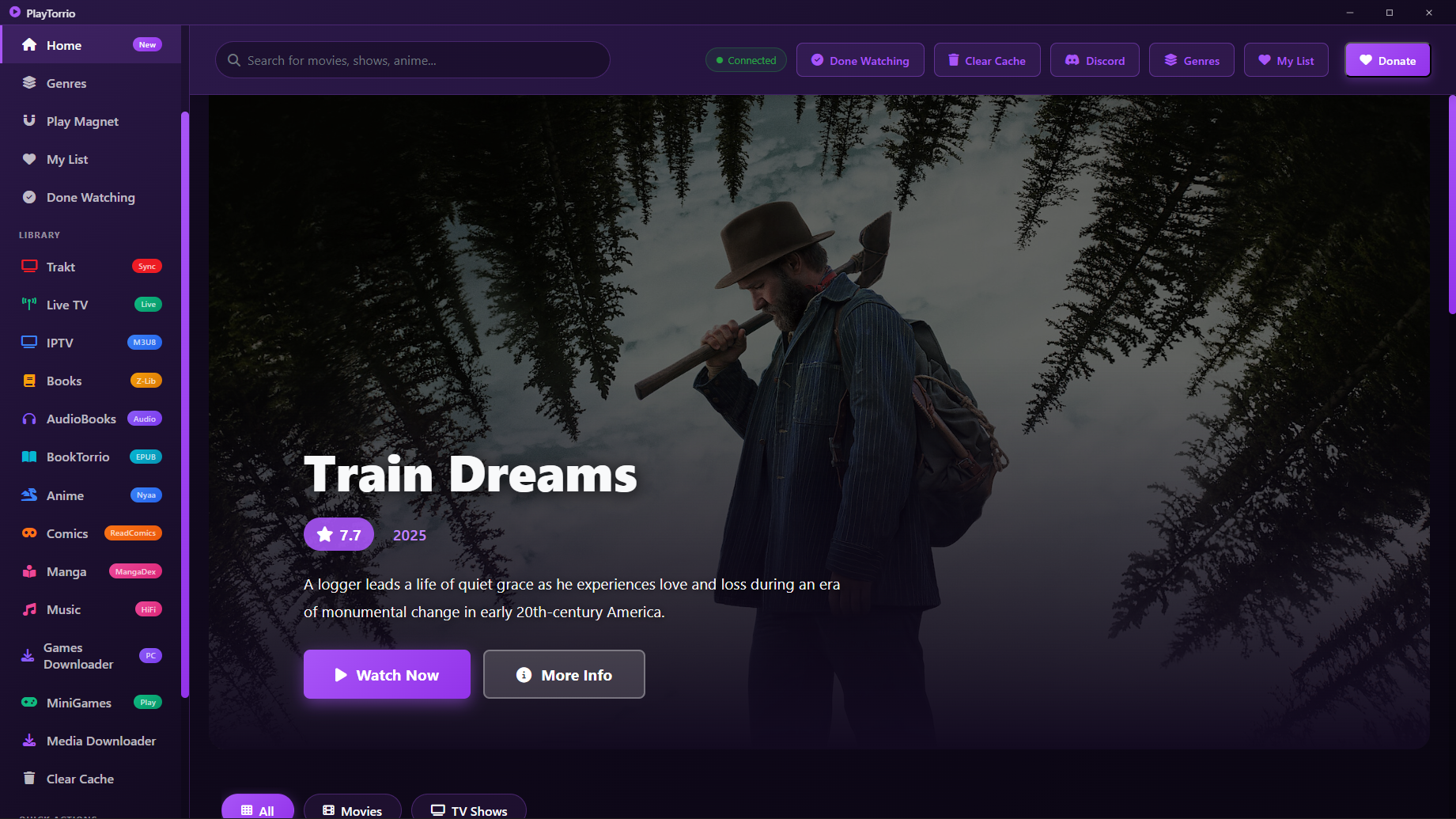
Directly streamable on PlayTorrio with multi-server scrapers, auto subtitles, and Real-Debrid 4K torrent caching.
 Movie
★ 6.6
Movie
★ 6.6
 Movie
★ 7.1
Movie
★ 7.1
 Series
★ 8.3
Series
★ 8.3
 Movie
★ 8.0
Movie
★ 8.0
 Movie
★ 7.9
Movie
★ 7.9
 Movie
★ 6.7
Movie
★ 6.7
Click on any screenshot to view in full resolution.

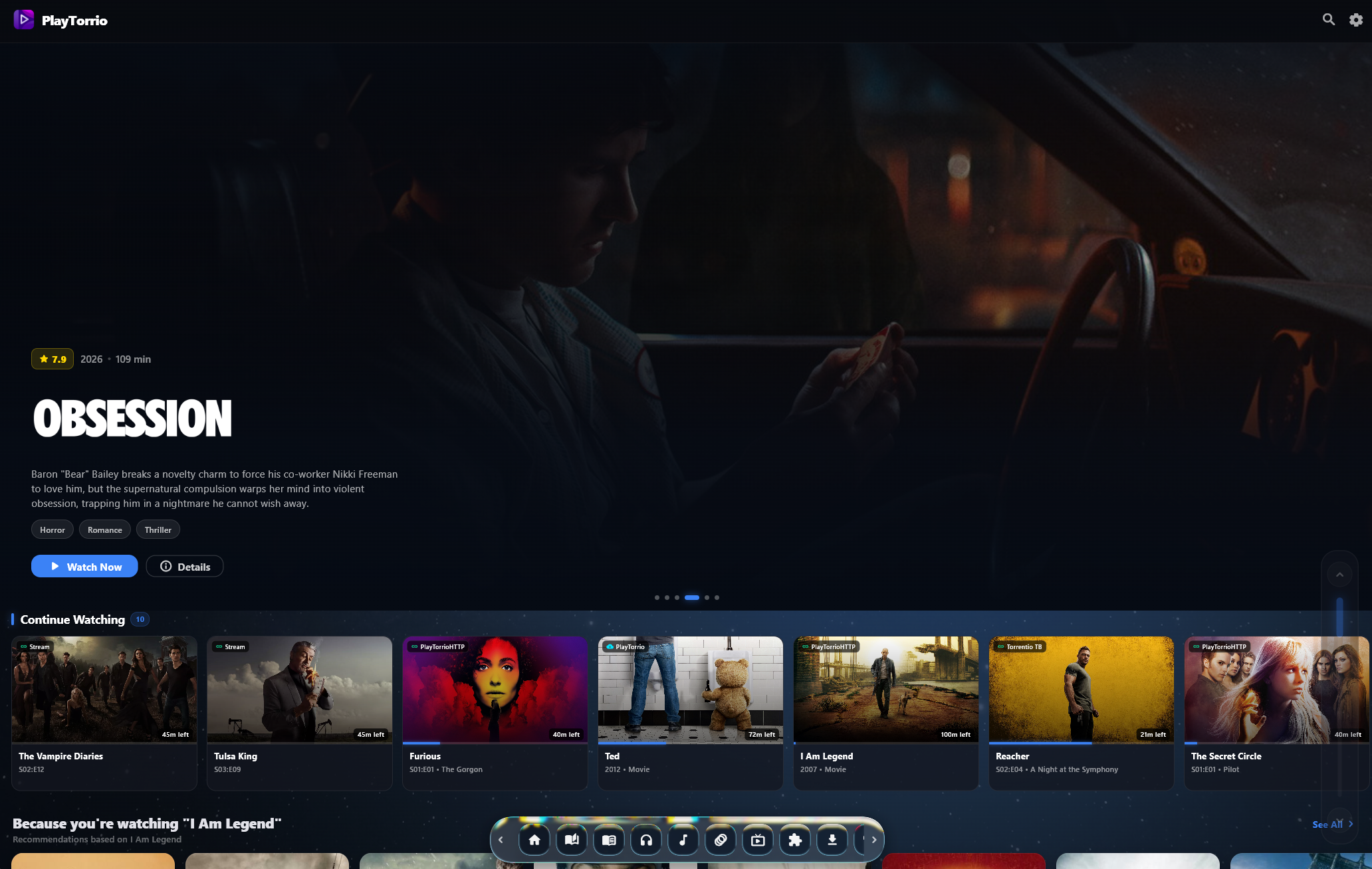
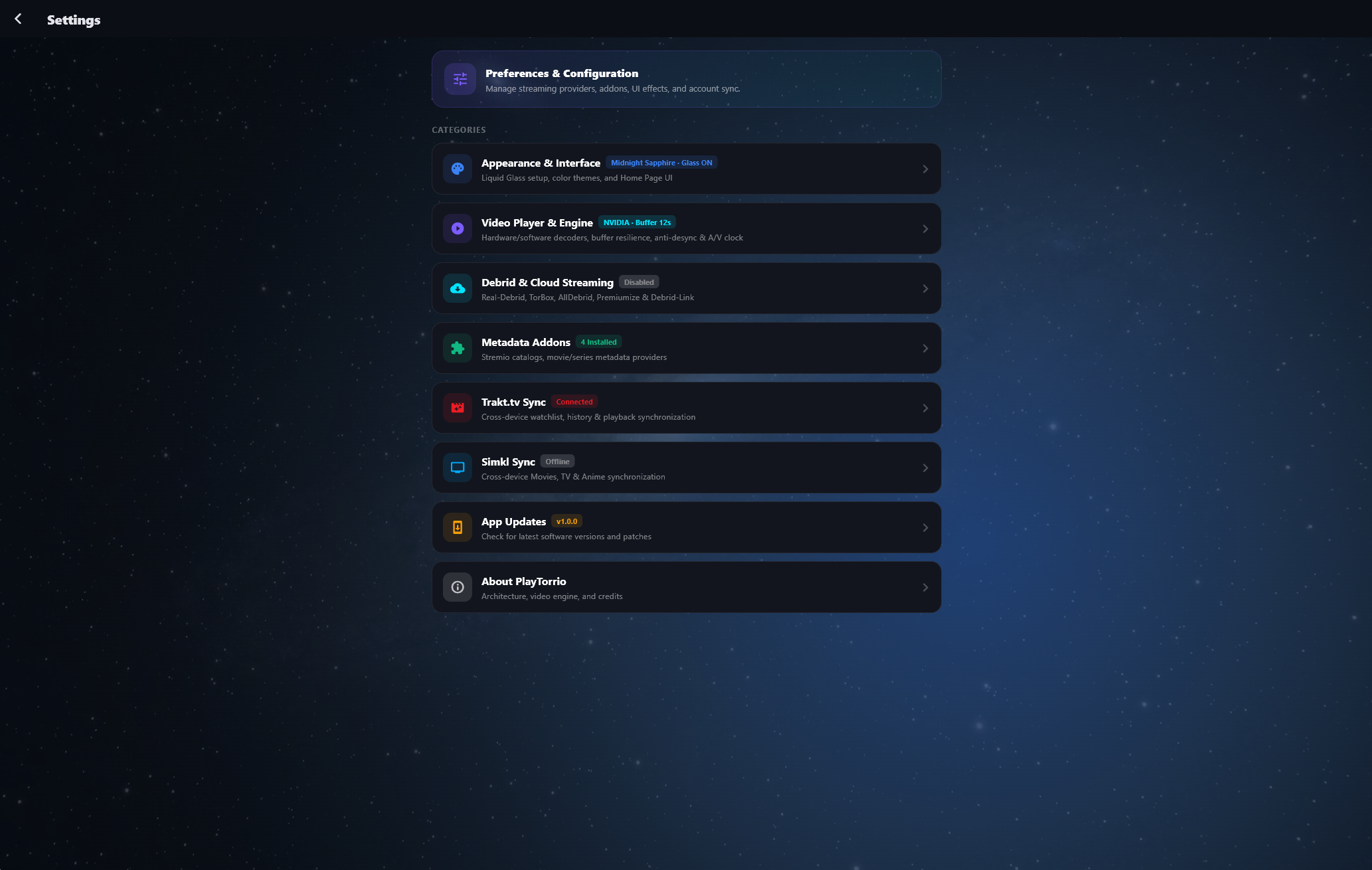
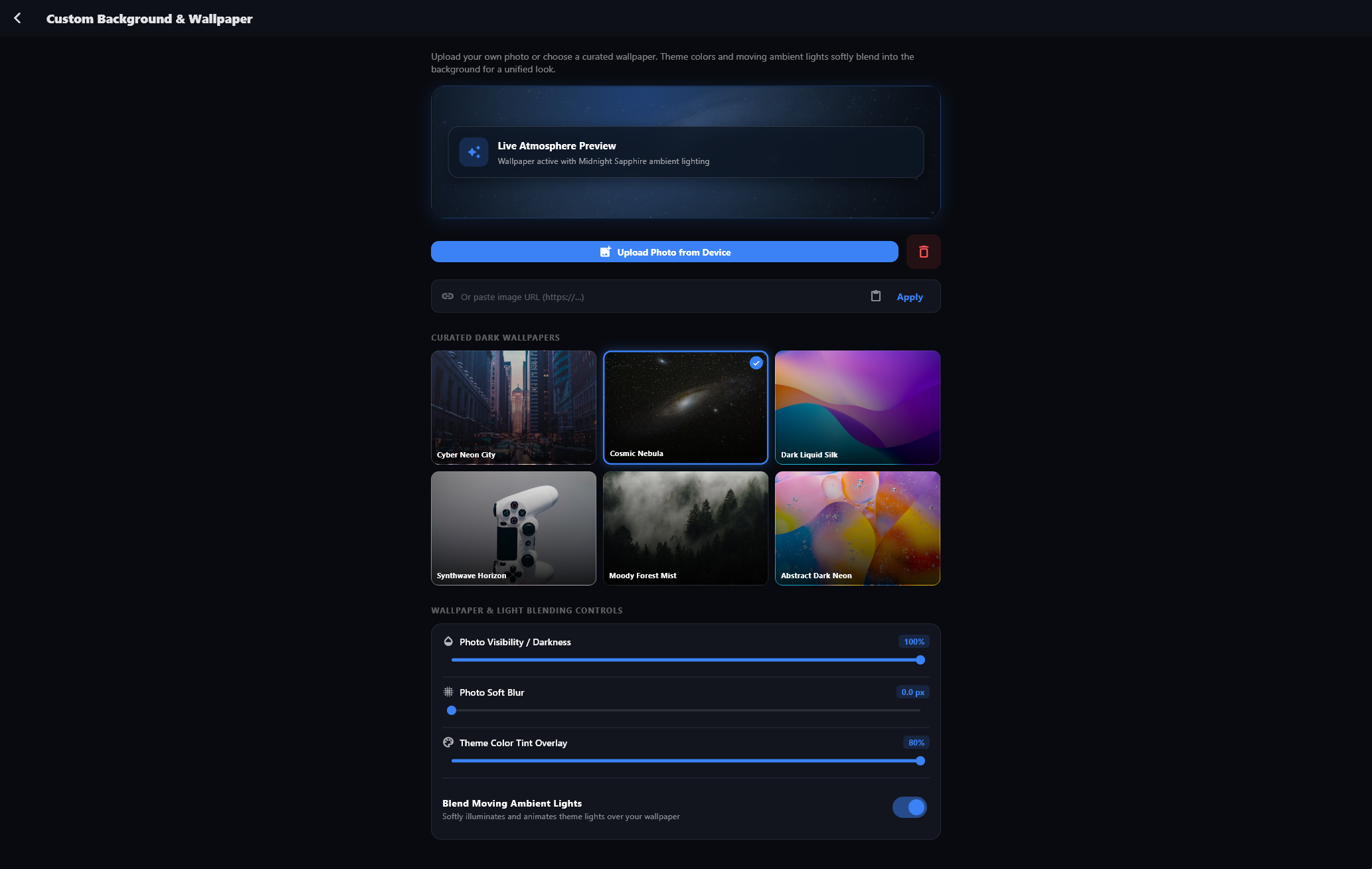
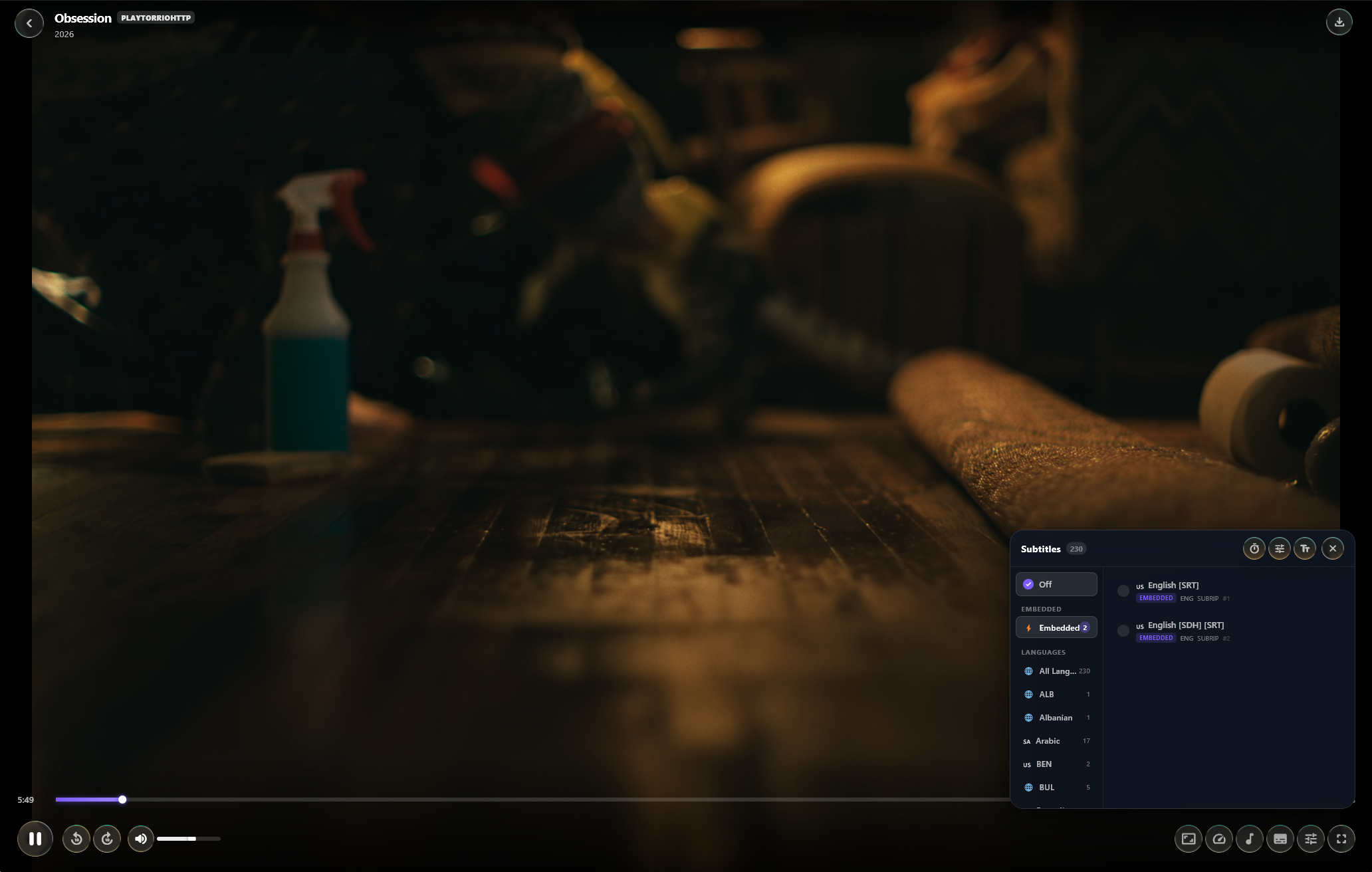
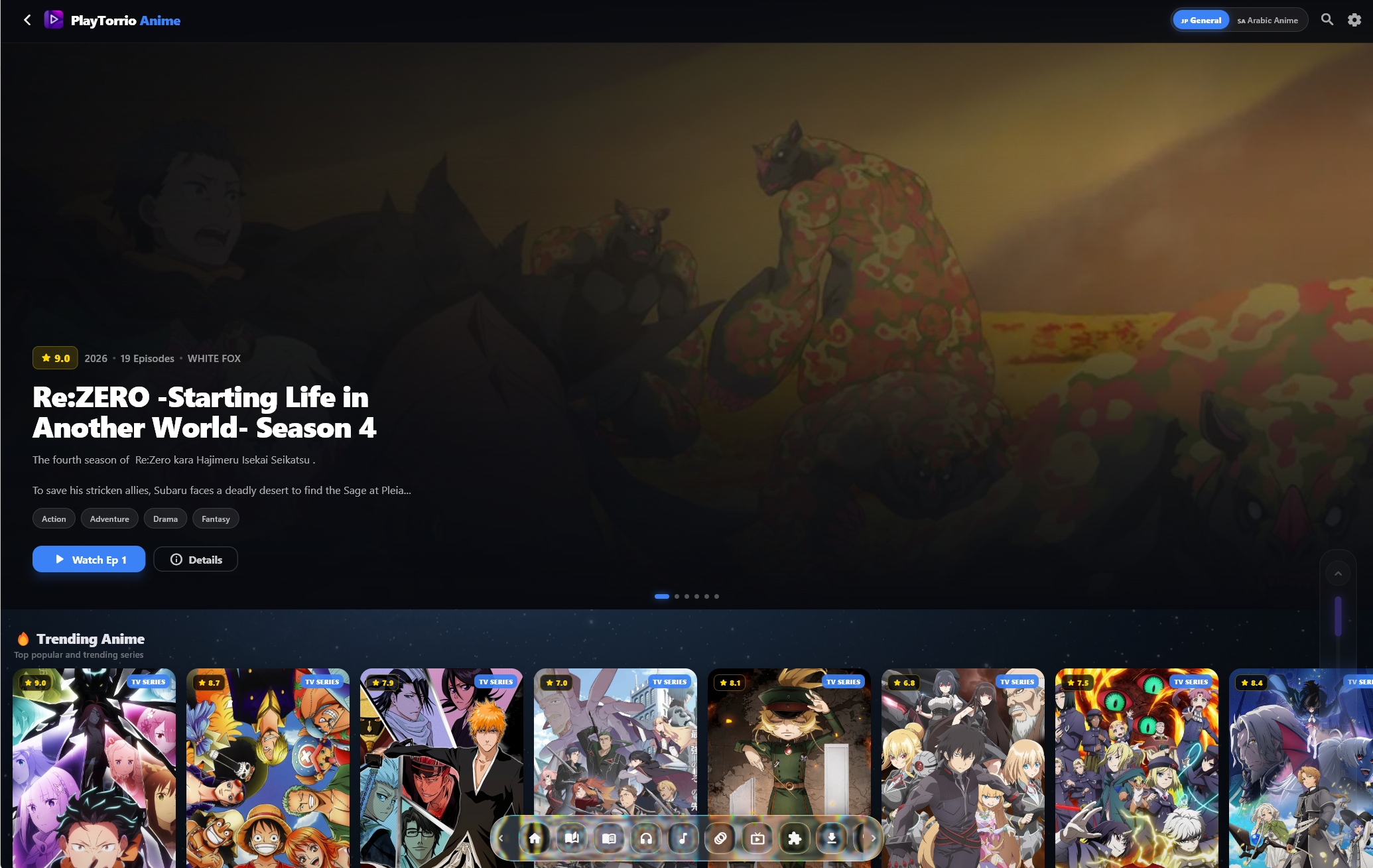
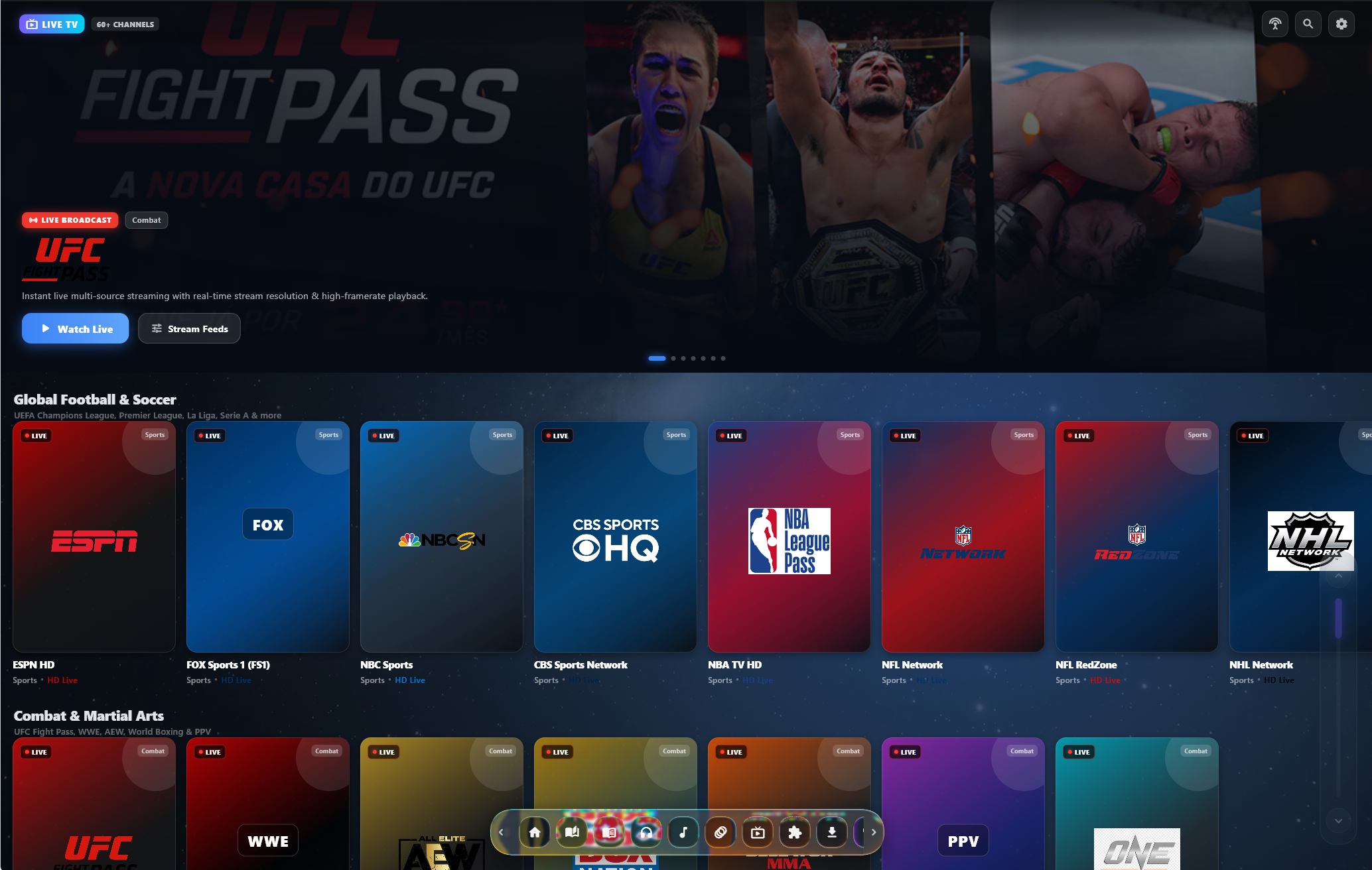
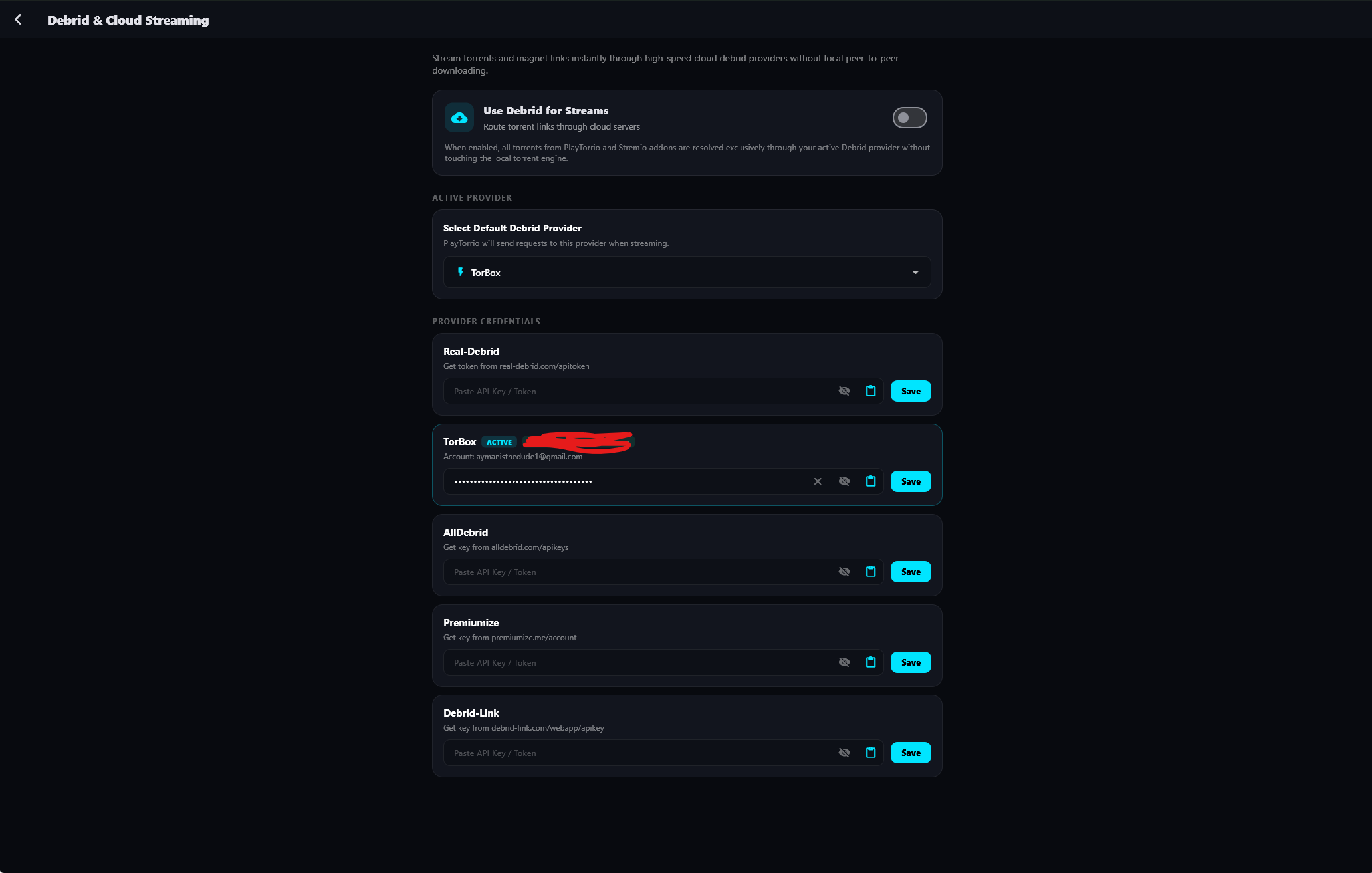
A unified entertainment suite packed into an open-source, bloat-free desktop and mobile app.
Watch movies online and stream TV series with direct scrapers or sequential torrent streaming, MPV hardware decoding, and automatic subtitles.
Stream torrents directly without waiting for downloads to finish. Fully compatible with Torrentio, Comet, Nuvio, CyberFlix, and Stremio catalog addons.
Integrate Real-Debrid, AllDebrid, Premiumize, and TorBox for uncapped 4K cloud torrent streaming and instant buffer-free playback.
Watch anime free online with AniList syncing, multi-server scrapers, English sub/dub, Arabic dubbing, and a built-in manga reader.
Free live TV streaming with integrated Control Room multi-view, M3U8 playlists, and Xtream-Codes IPTV portal scanning.
Ad-free high-res audio streaming, artist discographies, custom playlists, and synchronized lyrics.
Thousands of manga chapters with vertical/horizontal reading, page caching, and offline saving.
EPUB and PDF reader with night mode, plus dedicated audiobook player with playback speed and resume.
Broadcasts what you're watching, listening to, or reading to Discord with album artwork and title metadata.
Direct download packages automatically pointing to the latest version.
Complete desktop edition with embedded MPV video player, hardware decoding, and Discord RPC.
Download official PlayTorrio APK. Touch-friendly UI with swipe gestures, background playback, and automatic OTA updating.
Enter the code in the Downloader app on your Fire TV or Android TV to install automatically:
4054777
8356029
xattr -cr /Applications/PlayTorrio.app
Portable AppImage executable for Ubuntu, Debian, Fedora, Arch Linux, and openSUSE.
Sideloadable IPA package compatible with SideStore, AltStore, TrollStore, and Scarlet.
Generate, filter, and extract live channel links for M3U playlists.
Unblock ISP restrictions and accelerate streaming tracker lookups.
Ad-free streaming music client for Windows and Android.
Get help, request scrapers, share feedback, and chat with users.
You can download the official PlayTorrio APK directly from the Downloads section above or our official GitHub Releases. We provide ARM64-v8a (modern phones, tablets, and TV) and 32-bit armeabi-v7a. On Fire TV, enter Downloader code 4054777.
First, verify you have installed the latest version. If a specific scraper or channel is slow, try an alternative source or connect a Real-Debrid / TorBox account in Settings for uncapped cloud caching. For live troubleshooting, bug reports, and assistance, join our active Discord Community.
Yes! PlayTorrio features a built-in Stremio addons engine. You can install Torrentio, Comet, CyberFlix, and custom catalog providers directly within the app.
PlayTorrio streams torrents sequentially. Rather than waiting for the entire file to download, the built-in torrent engine downloads data pieces in order so you can start watching movies and series instantly with hardware acceleration.
Yes. PlayTorrio features a dedicated anime streaming hub with AniList syncing, multiple scraper servers, English/Arabic subtitles and dubs, plus a high-res manga and comic reader.
Yes. PlayTorrio is 100% free and open-source. There are no subscriptions, paywalls, or hidden charges.
No. PlayTorrio works out of the box with standard torrent and direct scrapers. Connecting Real-Debrid, AllDebrid, Premiumize, or TorBox gives you faster uncapped cloud streams.
Install the Downloader app on your TV, enter code 4054777 (or 8356029 for older devices), and click Go to download and install.
Go to Settings in PlayTorrio and switch off Discord Rich Presence. Your status will immediately stop broadcasting.
Open Terminal on your Mac and run: xattr -cr /Applications/PlayTorrio.app. This clears Apple Gatekeeper's unsigned app quarantine flag.
